Sidebar by folder
The documents next to the one you have open, folder by folder. Filter by name, go up a folder, start a new document, or open another one in a tab.

ViMD is a focused editor for Markdown and HTML files on your disk. Each window is one document. Write plain text and see it formatted as you type — images, tables, columns, callouts and LaTeX math — with your other documents one click away in the sidebar.
Offline-first — your files stay plain text on your disk · macOS 13 Ventura or later, Apple silicon or Intel · 14-day free trial · Windows, iPhone & iPad planned
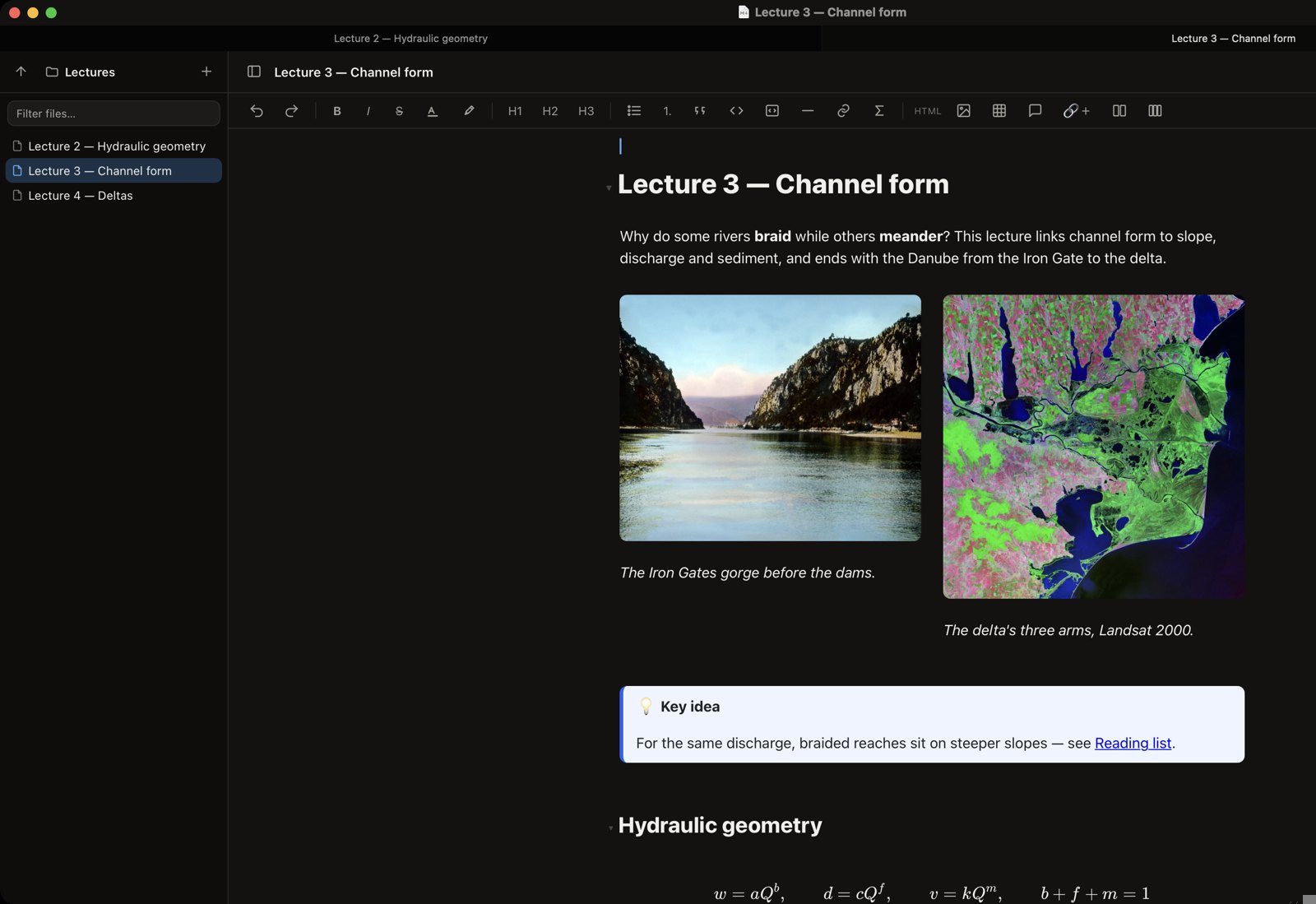
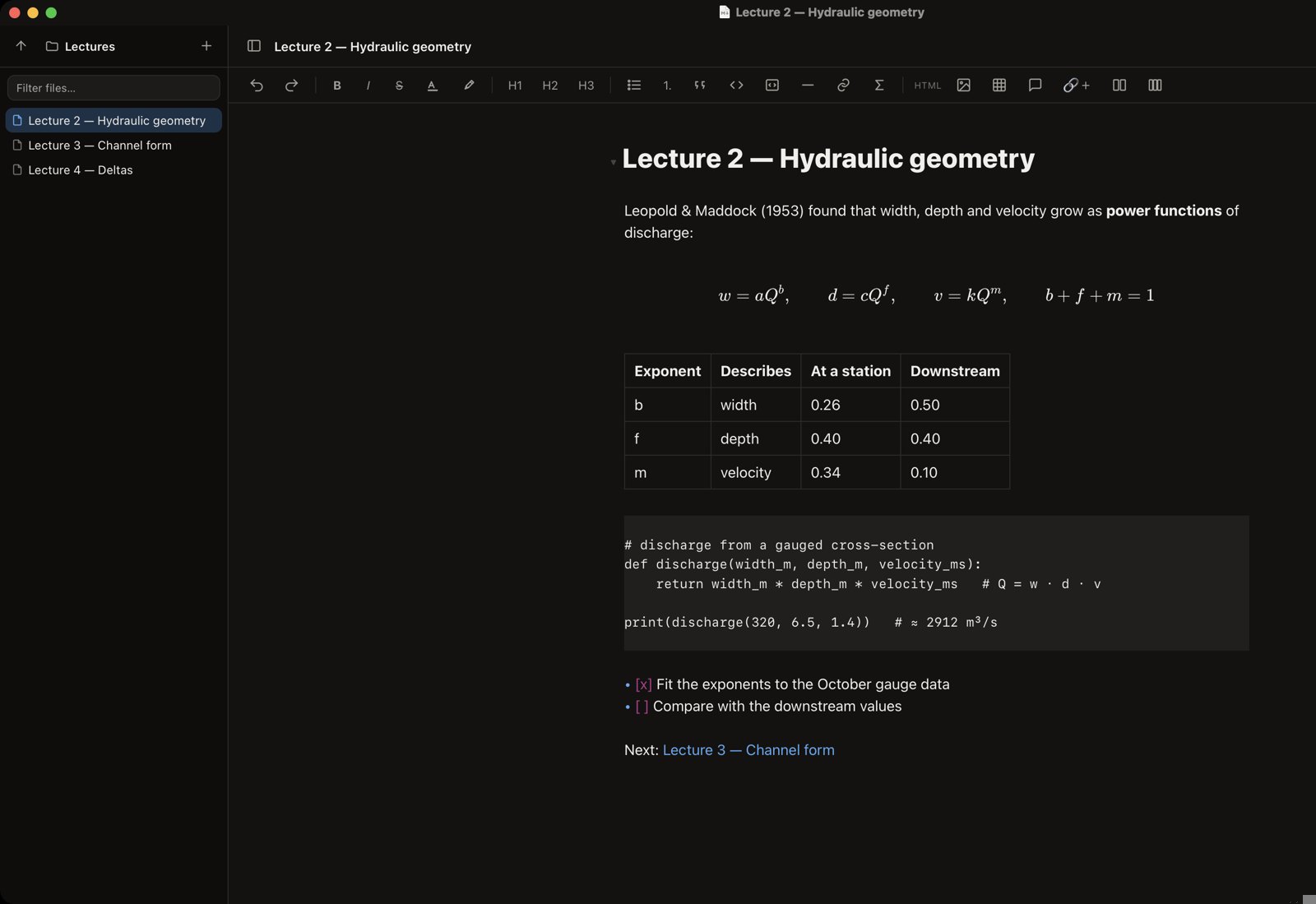
Type Markdown and it turns into formatted text right where you write — headings, lists, tables, quotes and code. A toolbar adds what Markdown has no syntax for.
No library to import into and no format of our own: ViMD edits the .md, .html and .txt files where they already are.
The documents next to the one you have open, folder by folder. Filter by name, go up a folder, start a new document, or open another one in a tab.
Pasted or dropped pictures are saved in an _Images folder next to the file, linked with relative paths — so the folder can move, sync or be shared as a whole.
A link to another Markdown file opens it in its own window, so a folder of notes reads like a small wiki.
New, Open, Open Recent, Open Folder, Save a Copy, Revert and Show in Finder, one window per file, tabs, and light or dark at a click.
Open HTML files in the same editor, or hand a file to another app whenever you want to.
Everything happens on your Mac. Only a rich link fetches the page it points to, when you ask for it.
ViMD uses the very editor inside ViLibris, so a note looks and edits the same in both. Notes written in ViLibris, images included, open directly in ViMD.
One document at a time, anywhere on your disk. For writing, lecture notes, READMEs and HTML pages.
A whole library of notes and the files around them, as a gallery — with the same editor for every note.
The workspace where a project starts and ends: outlines, tasks, calendar, readers, boards and flashcards.
Pay once, use it for good. No subscription and no account.
Launch price until 15 January 2027, then 10 €.
Payments, taxes and invoices are handled by Paddle, our Merchant of Record. Prices may include VAT/sales tax depending on your country. See the refund policy.
Screenshots show public-domain images (NASA, Carl Simon via Wikimedia Commons) in a demo document.